About the project
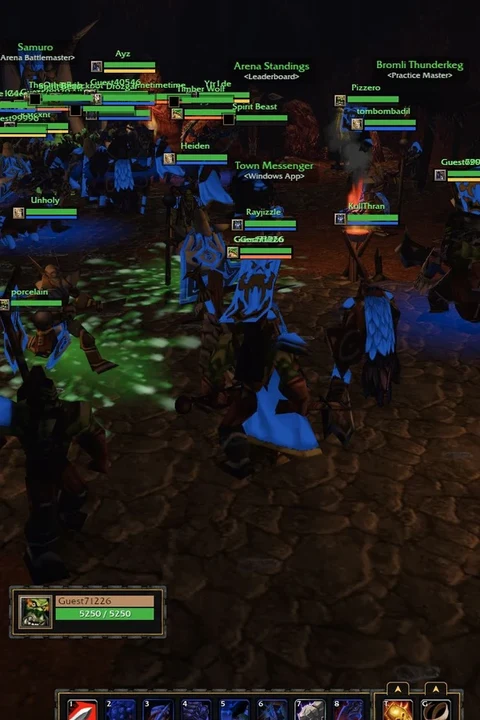
The vel.gg browser project presents the Zombies mode from Call of Duty: Black Ops in a WebAssembly client. The project guide identifies its map selector, hosted map downloads, multiplayer setup and default keyboard, mouse and gamepad binds.
Technology: WebAssembly browser port
Getting started
- 01
Open the vel.gg entry and wait for the setup screen.
- 02
Enter a name, choose single player or the documented lobby flow, select a map and wait for its data to download.
- 03
Click inside the canvas; use WASD to move, mouse to look, left/right click to fire/aim, F to use, R to reload, Shift to sprint, Space to jump, C to crouch, V to melee, G/4 for grenades, Tab for scoreboard and Esc for menu.
Before you play
Unofficial fan project, not affiliated with Activision or Treyarch. Source and loader/control guide review only; no map was played, multiplayer was tested or device compatibility verified.
Questions & requirements
Do I need game files?
The browser client streams its own hosted map data; it does not request a local Call of Duty installation. Activision/Treyarch assets, code and trademarks remain with their rights holders; this directory distributes none.
Has this build been tested here?
The linked author's documentation was reviewed on 2026-11-12. A complete gameplay session, save recovery and device compatibility have not been independently tested. Supported controls below are documentation claims.
Where do I get help?
Read the project documentation for build-specific limitations and issue reporting.
Game files & ownership
This directory does not distribute ROMs, BIOS files or commercial game assets. Project code and original assets can have different licences. Use files you are entitled to use and follow the project's terms.