About the project
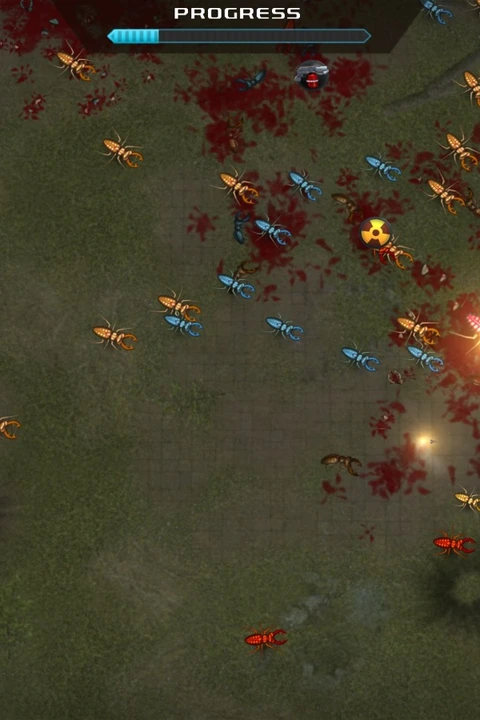
The wasm.rip browser build is credited to dude and loads a Godot/WebAssembly export. The project guide documents the hosted download size, keyboard/mouse play and optional gamepad input; the original game is by Blobfish/Thomas Gervraud.
Technology: Godot / WebAssembly
Getting started
- 01
Open the wasm.rip entry and wait for the roughly 163 MB hosted package to finish loading.
- 02
Click the canvas; move with WASD or arrow keys, use the mouse for menus and item selection, left click to buy/lock/select, Esc to pause, or use a supported gamepad stick.
- 03
Keep browser storage if you want to retain local progress.
Before you play
Unofficial fan port credited to dude. Source and loader/control guide review only; gameplay, saves and device compatibility were not tested.
Questions & requirements
Do I need game files?
Hosted Godot package parts are merged in the browser; no local game files are requested. Brotato code, art, music and trademarks remain with Blobfish/Thomas Gervraud and their respective rights holders.
Has this build been tested here?
The linked author's documentation was reviewed on 2026-11-12. A complete gameplay session, save recovery and device compatibility have not been independently tested. Supported controls below are documentation claims.
Where do I get help?
Read the project documentation for build-specific limitations and issue reporting.
Game files & ownership
This directory does not distribute ROMs, BIOS files or commercial game assets. Project code and original assets can have different licences. Use files you are entitled to use and follow the project's terms.