About the project
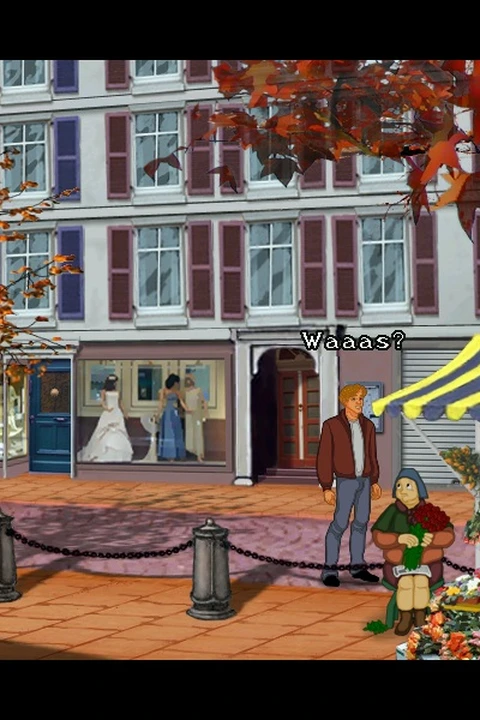
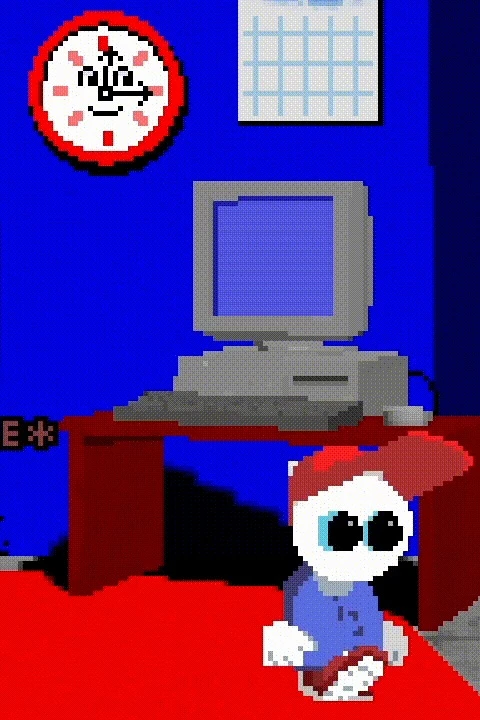
Follow Ryan through a dystopian city in a dark top-down adventure. This entry follows the independent ScummWEB frontend and its included freeware edition.
Technology: ScummVM / WebAssembly
Getting started
- 01
Open the game page and select Play for the included freeware edition.
- 02
Use the mouse pointer; Esc opens the menu. Touch: tap to position cursor, double-tap or L for left click, R for right click. Select Start audio if prompted.
- 03
Export saves through Settings / Saved games before clearing site data or moving devices.
Before you play
Source, launcher HTML and documentation review only; gameplay, save recovery and device compatibility untested. Freeware data copyright Creative Reality / Neil Dodwell and David Dew. Preserve the game-specific license, readme and notices. Frontend (0BSD), engine (GPL) and data have separate terms.
Questions & requirements
Do I need game files?
Included hosted freeware edition; no local archive required. Freeware data copyright Creative Reality / Neil Dodwell and David Dew. Preserve the game-specific license, readme and notices. Frontend (0BSD), engine (GPL) and data have separate terms.
Has this build been tested here?
The linked author's documentation was reviewed on 2026-11-13. A complete gameplay session, save recovery and device compatibility have not been independently tested. Supported controls below are documentation claims.
Where do I get help?
Read the project documentation for build-specific limitations and issue reporting.
Game files & ownership
This directory does not distribute ROMs, BIOS files or commercial game assets. Project code and original assets can have different licences. Use files you are entitled to use and follow the project's terms.