About the project
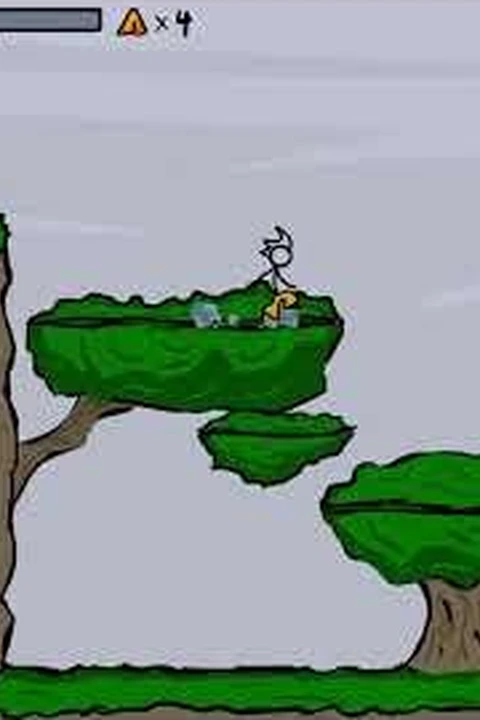
The official Totaljerkface page retains the browser edition of Happy Wheels alongside its Steam option. Its JavaScript game frame runs within the creator’s site and the page supplies the control diagram.
Technology: HTML5 / JavaScript
Getting started
- 01
Open the official game page. If the Steam prompt appears, choose Load web version to remain in the browser.
- 02
Arrow keys move forward/reverse and lean; Space performs the main action, Shift/Ctrl perform other actions, and Z ejects. Focus the game frame before using the keyboard.
Before you play
Source and launcher documentation reviewed; gameplay, save recovery and device compatibility untested.
Questions & requirements
Do I need game files?
The official page loads its own JavaScript browser edition and asks for no ROM, installation files or Flash plugin. Keep the game inside the Totaljerkface page: its loader checks the parent origin. Happy Wheels code, art and branding remain with Fancy Force and credited creators; this directory embeds or distributes none of those files.
Has this build been tested here?
The linked author's documentation was reviewed on 2026-11-20. A complete gameplay session, save recovery and device compatibility have not been independently tested. Supported controls below are documentation claims.
Where do I get help?
Read the project documentation for build-specific limitations and issue reporting.
Game files & ownership
This directory does not distribute ROMs, BIOS files or commercial game assets. Project code and original assets can have different licences. Use files you are entitled to use and follow the project's terms.